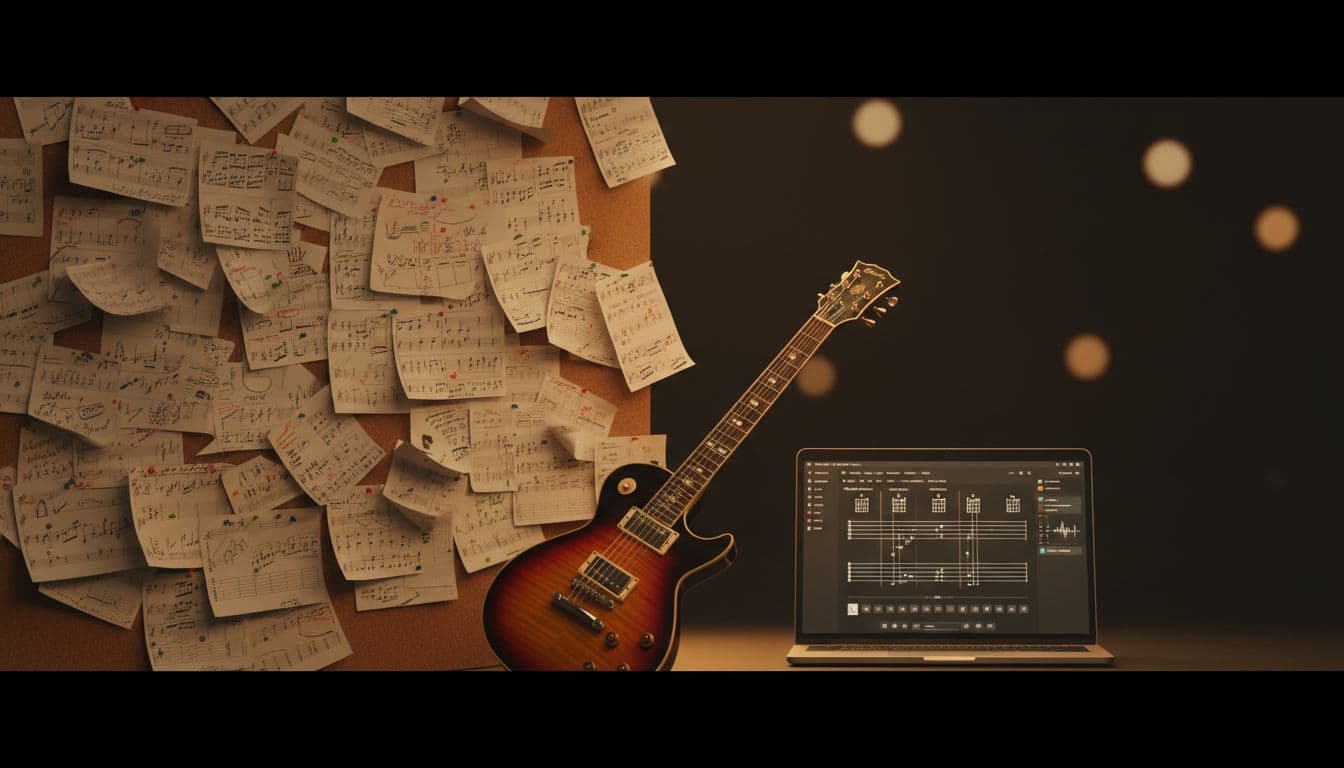
THE TAB ISN'T ON ULTIMATE GUITAR. NOW WHAT?
Ultimate Guitar has 1.4 million tabs. The one you want isn't there. Here's the playbook.
THE FRUSTRATION WE ALL KNOW
Friend shows you a song. You decide you want to learn it. You sit down at the computer with the guitar in your lap, you pull up Ultimate Guitar, you type the title, and one of these four things happens:
- Nothing comes back. The song isn't on the site.
- One result, rated 1.5 stars, with comments like "this is completely wrong, the verse isn't even in the right key."
- A "chords" version that lists three chords for a song that obviously has more going on than that.
- A user-submitted tab that stops halfway through because whoever posted it gave up on the bridge.
Ultimate Guitar has roughly 1.4 million tabs. That's a lot of songs. It's also nowhere near "every song." And every tab on the site was contributed by one human being who sat down and chose to spend a couple of hours transcribing, which means coverage is uneven by genre, by era, by language, and by how interesting any given song was to other transcribers in the world.
This is the playbook for what to do when you've decided you want to learn a specific thing and the existing tab universe has failed you.
WHY ULTIMATE GUITAR MISSES WHAT IT MISSES
Knowing why the gap exists makes it easier to predict which songs will be missing before you waste 20 minutes searching. UG's coverage is thinnest in these categories:
- Recent releases. A song that came out last week probably won't have a quality tab for at least three months, and only if the artist is popular enough for someone to bother. The big-name new releases get tabbed within a few weeks. The album track on someone's third record? Could be a year, could be never.
- Indie and small-label artists. No matter how popular within a niche, an indie album with 50,000 monthly Spotify listeners often has zero tabs on UG. The site is human-driven and humans tab the songs they think other humans will search for.
- Non-English music. K-pop, J-pop, regional Latin, Bollywood, OPM, Arabic music, French chanson. The more global music gets, the more obvious this gap becomes. UG's transcriber pool skews English-speaking.
- Instrumentals. Most tab sites are built around the chord chart with lyrics underneath. Songs without lyrics get less love because the format wasn't built for them.
- Live and acoustic versions. UG tabs the studio recording. The acoustic Tiny Desk version of a song you love? Not there.
- Soundtracks and incidental music. Game soundtracks, anime openings, film scores. Usually missing or of dubious quality.
- B-sides and deep cuts. Even from major artists. The hits get tabbed; the album track on side B usually doesn't.
- AI-generated music. Suno and Udioare putting out songs that nobody will ever transcribe because they're personal to the creator and the creator is the only one who'd want them.
If your missing song fits any of those categories, you're not going to find it by searching harder. You need a different approach. (We have a dedicated Ultimate Guitar alternative page that covers exactly this, plus a head-to-head Ultimate Guitar vs audio2guitar comparison.)
WHAT PEOPLE ACTUALLY DO WHEN THE TAB ISN'T THERE
Here's the menu of options, ranked by how miserable they are.
- Give up and learn a different song. Common. Disappointing. The friend who showed you the song notices.
- Transcribe by ear. Possible but slow. Realistic time for a competent intermediate player on a four-minute pop song: 60 to 120 minutes. For a complex song with extended chords or a key change: three hours, maybe more.
- Look for a cover on YouTube and reverse-engineer the cover artist's hands. Works if the cover artist plays in a similar style and the camera angle shows their fretting hand clearly. Doesn't work if they're playing in alternate tuning, or capo'd, or using a chord shape your eyes can't decode at video resolution.
- Pay $25-50 for a custom transcription on Fiverr or mycustomguitartab. Reliable but slow turnaround (usually 3-7 days) and the per-song cost adds up if you have a list.
- Use Chordify and accept that you'll only get chords, not tabs. Quick but limited. Chord-only output works for strumming through a song, not for learning the riff. (See our Chordify alternative page for the full breakdown.)
- Use Songsterr's existing tab library. Same coverage limits as UG. If it's not on UG it's usually not on Songsterr either. We wrote a Songsterr alternative comparison covering the catalog ceiling problem.
- Use Songsterr's AI transcription. Their newer AI feature accepts audio uploads and YouTube links. It's behind their $9.95/mo Plus plan and capped at 50 tabs/month. The most-cited limit in their own community is fret-position quality. One BassBuzz user described it as "tends to move up the fretboard horizontally rather than use the other strings," which matches what we've heard from a lot of people who tried it. (Full breakdown in our Songsterr vs audio2guitar comparison.)
- Use Guitar2Tabs (Klangio). Audio-to-tab from Germany. Their free tier shows 20 seconds, which most people find too short to evaluate. The full version is around $15/month with no per-song option. A theFretBoard forum user reported "failed on all three of their band's new songs despite providing tuning, key, and time signature." Mileage varies by genre.
- Use audio2guitar. What we'll cover next.
Option 9 didn't exist as a real option until the last 18 months. Models have improved enough that audio-to-tab transcription is now usable for most songs and most genres, with caveats we'll be honest about.
HOW AUDIO-TO-TAB TRANSCRIPTION WORKS IN 2026
You upload an audio file or paste a YouTube URL. A model trained on millions of songs analyzes the recording and produces:
- A guitar tab showing fret positions and timing
- A chord chart with 170+ chord types so it doesn't flatten complex jazz chords or modal voicings
- Synced lyrics underneath the tab
- Section labels (verse, chorus, bridge, intro, instrumental)
The whole process takes about three minutes. You don't need to know the key. You don't need to know the tempo. You don't need to know what chords are in the song. The model figures all of that out from the audio. The 6-stage pipeline (source separation, polyphonic pitch tracking, onset detection, chord recognition, beat tracking, section labeling) finishes a typical 3-minute song in 3 to 6 minutes on the production GPU. Open benchmark numbers and the CSV dataset are on the stats page.
What you get back is a starting point that you'll either play as-is or edit lightly to match what you actually hear.
The technical thing that separates audio2guitar from earlier audio-to-tab tools is how it handles fret-position selection. The Songsterr complaint about moving horizontally up the fretboard is a real artifact of how some pitch-detection pipelines work: they pick the lowest available position for each note and end up in physically unplayable shapes. Audio2guitar uses beam search with a playability constraint, which biases it toward fret choices an actual guitarist would use. It's the kind of thing you don't notice when it's working correctly and curse loudly when it's not, which is why we're flagging it.
THE WORKFLOW, END TO END
STEP 1: GET THE SONG TO THE TOOL
If the song is on YouTube, paste the URL directly. If you have an mp3 (a Bandcamp purchase, a soundtrack rip, a song someone sent you, your own Suno track), upload the file.
The tool will work on most audio sources: studio recordings, live versions, acoustic versions, demos. Quality is best with clean studio recordings. Phone-quality field recordings at a concert work, but with more "you'll need to edit this" than a studio master.
About three minutes of upload time, while you make coffee.
STEP 2: READ THE TAB BEFORE YOU PLAY
Skim the whole tab end to end before you put your hands on the strings. You're looking for:
- Does the section structure match what you hear (intro, verse, chorus)?
- Do the chords feel right for the song's vibe?
- Are the fret positions in a register that makes sense (a bass-line riff written up at the 12th fret is a sign the model heard something off)?
If something looks weird, jump to that section in the player and listen. Most "weird" turns out to be a clever voicing you wouldn't have thought of on your own.
STEP 3: PLAY ALONG WITH THE AUDIO
Drop into the section that feels most playable to you (often the verse) and play along with the original recording. You'll know within a minute whether the tab is on the right track. If your guitar is locking in with the audio, the tab is solid. If you're fighting the recording, switch instruments in your head and check whether the model heard a piano line as guitar or something similar.
STEP 4: EDIT WHERE NEEDED
Where the model needs human judgment, edit. Common cases:
- The lead line in a section is doubled by another instrument (synth pad, second guitar, strings) and the model output a hybrid. Pick the one you actually want to play.
- A studio recording has the rhythm guitar buried under heavy distortion or vocal layers. The model output a best-guess. You can listen and refine.
- A song uses a non-standard tuning (drop D, DADGAD, half-step down). The model usually catches this from the harmonic content. If your tab feels weirdly stretchy, check whether the original is in an alternate tuning and re-render in the correct one.
STEP 5: PRACTICE
Loop the section, slow it down if you need to, and learn it the way you'd learn any tab. The synced lyrics and section labels make it easier to drop into the part you're working on without scrubbing through the whole song.
WHERE THIS WORKS BEST (AND WHERE IT DOESN'T)
Best-case scenarios for AI audio-to-tab:
- Singer-songwriter tracks with prominent guitar (Sufjan, Phoebe Bridgers, James Bay, anyone where the guitar is the spine of the song)
- AI-generated songs from Suno or Udio where there's no human transcriber motivated to make a tab
- Recent releases where you don't want to wait three months for UG coverage
- Acoustic and Tiny Desk-style live versions
- Simple to moderately complex pop, rock, indie, and country
- Most worship music
- Most film and game soundtrack acoustic guitar parts
Where you'll need more editing:
- Heavily produced electronic music where the "guitar" is actually a synth
- Songs with rapid lead solos (the chord chart will be perfect; the solo notation will be roughly right but worth verifying note by note)
- Songs in highly unusual tunings without prominent open-string indicators
- Live recordings with a lot of crowd noise or stage bleed
Where you should still hire a human transcriber on Fiverr:
- A guitar instructor preparing material for a paying student
- A wedding gig where you need to nail a specific arrangement
- A studio session where the chart will be played from sight by someone else
For "I want to learn this song for me, this weekend," AI transcription is now the right tool.
PRICING REALITY
Audio2guitar gives you three full songs free, no time limit, no card. After that it's $8.99 a month or $59.99 a year. To put that in context against the alternatives:
- Custom transcription on Fiverr: $25-50 per song with a 3-7 day wait
- Songsterr Plus AI transcription: $9.95/mo, 50 tabs/month cap, plus the fret-position issues mentioned above
- Guitar2Tabs full version: roughly $15/mo with the 20-second free preview
- Chordify Premium: from $3.49/mo for chords only, no tabs (see the Chordify vs audio2guitar comparison for the full chord-vs-tab tradeoff)
For most learners with a list of "songs I'd like to learn someday," three free songs is enough to test whether the workflow fits how you learn. If it does, the monthly cost is less than a single custom transcription on Fiverr.
HONEST FAQ
IS THE AI TAB AS GOOD AS A HUMAN-TRANSCRIBED UG TAB?
For most songs, yes. For complex solos, the chord chart is solid but the lead notation may need verification note by note. For straightforward rhythm guitar parts, it's usually indistinguishable from a high-quality UG tab.
CAN IT HANDLE ALTERNATE TUNINGS?
Yes for common tunings (drop D, half-step down, open G, DADGAD). For unusual tunings (Joni Mitchell territory) the model can struggle. You may need to retune to standard and edit.
DOES IT EXPORT TO GUITAR PRO?
Not today. Output is a web-viewable tab and chord chart with synced lyrics. You can export to PDF.
WHAT IF I UPLOAD A SONG AND THE RESULT IS WRONG?
You can retry the same song without using another credit. A completed transcription that needs corrections or does not meet your preferred level of accuracy does not qualify for a discretionary refund. This does not limit any remedy that cannot lawfully be excluded.
WILL THIS WORK ON MY SONG?
Honest test: upload the actual song you want to learn, the one that motivated you to read this guide, and see what comes back. Three free songs means you can try it on your three hardest cases before deciding whether the workflow fits how you actually learn.
TRY IT ON THE SONG YOU'VE BEEN WAITING ON
If you've been sitting on a song you wanted to learn for weeks because the tab on UG is missing or unusable, you can probably have a working version in the next ten minutes.
Upload a Song Free