HOW TO GET GUITAR TABS FOR GOOGLE FLOW MUSIC SONGS
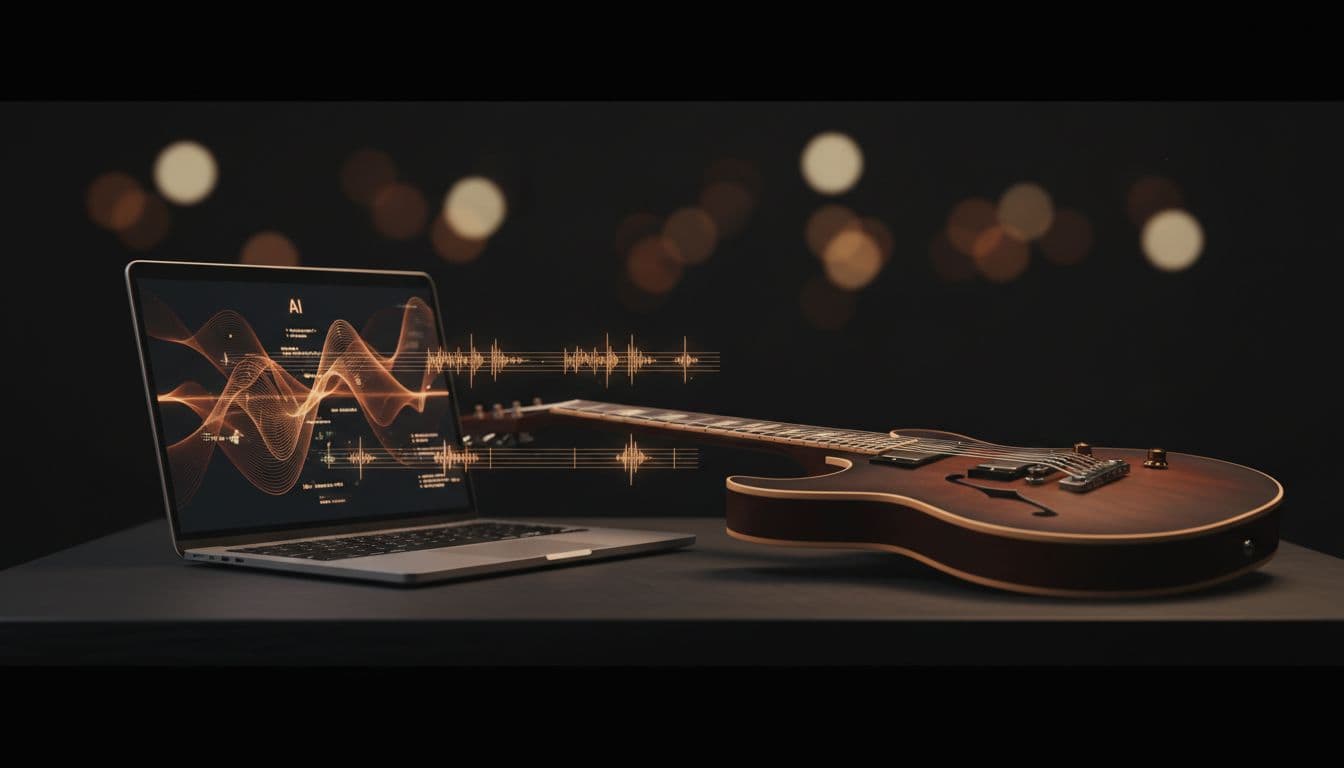
Google launched Flow Music on April 18, 2026, powered by the Lyria 3 Pro model. It generates full songs from a prompt, but it does not export guitar tabs, chord charts, or notation. Here is the workflow that turns any Flow Music track into playable tablature in under five minutes.
WHAT IS GOOGLE FLOW MUSIC
Google Flow Music is an AI music generation platform from Google Labs, live at flowmusic.app. It is built on Lyria 3 Pro, Google's frontier music model. The team behind it started as Riffusion, rebranded to Producer.ai, and was acquired by Google in February 2026. Google rolled out the rebrand to Flow Music on April 18, 2026.
The product has three things that matter to guitar players:
- Chat with Producer — describe a song in plain language and get a full produced track with vocals, instruments, and arrangement.
- Replace and Extend — modify a specific section with a new prompt, or continue a song past its current endpoint while keeping the style.
- Veo video integration — generate a matching music video directly from the same project.
Flow Music has a free tier with daily song generation credits and no credit card required. Google has also partnered with Believe and TuneCore to make the platform available to signed artists.
FLOW MUSIC DOES NOT EXPORT GUITAR TABS
Every Flow Music song is unique. Lyria 3 generates raw audio, not symbolic notation. There is no tab export, no chord chart, no MIDI in the current product. And because every track is one-of-a-kind, you will never find your song on Songsterr, Ultimate Guitar, or any user-submitted tab library.
This is the same gap that Suno and Udio users hit. The fix is the same: transcribe the finished audio with a tool that understands guitar. Under the hood that means music source separation to isolate the guitar, followed by polyphonic transcription to recover notes and chords.
STEP-BY-STEP: FLOW MUSIC TO GUITAR TABS
1. EXPORT YOUR SONG FROM FLOW MUSIC
Open your Flow Music track. Click the download or share menu, and pick MP3 or WAV. WAV preserves the most detail, which helps the transcription pipeline pick up subtle bends, hammer-ons, and chord voicings. MP3 still works fine for clean Lyria 3 output.
2. UPLOAD TO AUDIO2GUITAR
Go to audio2guitar and drop the file into the upload area. The free tier accepts MP3; Pro adds WAV, FLAC, M4A, OGG, and AAC. The first three full songs are free with no credit card.
3. GET TABS, CHORDS, AND LYRICS
In 3 to 6 minutes, audio2guitar returns the full transcription: tablature with fret positions across six strings, named chord diagrams (170+ chord types), synced lyrics, and labeled song sections. The 6-stage pipeline (source separation, polyphonic pitch tracking, onset detection, chord recognition, beat tracking, section labeling) finishes a typical 3-minute song in 3 to 6 minutes on the production GPU. Open benchmark numbers and the CSV dataset are on the stats page. You can play along with the original audio in the browser, with adjustable speed on Pro and per-section looping for drilling difficult passages.
FLOW MUSIC VS SUNO VS UDIO: WHAT EXPORTS WHAT
All three are full-song AI generators. None of them export guitar tabs natively. Here is what each one does export, and where audio2guitar fits.
| Feature | Google Flow Music | Suno | Udio |
|---|---|---|---|
| Underlying model | Lyria 3 Pro | Suno v4 / v4.5 | Udio v1.5 |
| Audio export (MP3/WAV) | Yes | Yes | Yes |
| Stem download | Yes | Yes (Pro) | Yes |
| MIDI export | No | Per-stem (Premier, limited) | No |
| Guitar tabs / tablature | No | No | No |
| Chord chart / diagrams | No | No | No |
| Synced lyrics | Partial | Partial | Partial |
| Music video | Yes (via Veo) | No | No |
| Pairs with audio2guitar | Yes | Yes | Yes |
TIPS FOR BETTER TABS FROM LYRIA 3 OUTPUT
Lyria 3 generates polished, well-mixed audio, which is favorable for transcription. A few habits that make the tab output cleaner:
- Lean toward clean tones in your prompt. Acoustic and clean electric guitar transcribe more accurately than walls of heavy distortion. If you want a metal track, you will get a usable tab but expect to clean up a few fast passages.
- Use Flow Music's Replace feature to simplify problem sections. If a chorus has overlapping guitars that confuse the transcriber, regenerate that section with a simpler prompt before downloading.
- Prefer WAV when it's available. The transcription pipeline picks up more detail from uncompressed audio. The Pro tier of audio2guitar accepts WAV directly.
- Tune your guitar before playing along. audio2guitar auto-detects the song's tuning. If Lyria 3 generated something in Drop D or a half-step down, the tab will reflect that.
FREQUENTLY ASKED QUESTIONS
Can Google Flow Music export guitar tabs?+
No. Google Flow Music exports the finished audio (MP3/WAV), full-quality stems, and a music video through the Veo integration, but it does not export guitar tablature, chord charts, or MIDI files. To get tabs from a Flow Music song, you have to transcribe the audio with a separate tool.
What is Google Flow Music?+
Google Flow Music is an AI music generation platform launched by Google Labs on April 18, 2026. It is built on the Lyria 3 Pro frontier music model, originally developed by Riffusion (then Producer.ai) before Google acquired the team in February 2026. The platform lives at flowmusic.app and includes a Chat with Producer interface, Replace and Extend features for editing parts of a song, and integration with the Veo video model for AI-generated music videos.
How do I get chords for a Google Flow Music track?+
Download the finished song from Flow Music as MP3 or WAV, then upload it to audio2guitar. The AI separates the guitar from the mix, detects chords across 170+ chord types, and returns chord diagrams synced to the audio timeline alongside the full tablature.
Does Lyria 3 produce MIDI?+
Lyria 3, the model powering Flow Music, generates raw audio waveforms, not MIDI. Flow Music itself does not currently expose a MIDI export. If you need MIDI from a Flow Music song, transcribe the audio with audio2guitar and use its Pro MIDI export.
Can audio2guitar handle Flow Music's full-band mixes?+
Yes. audio2guitar uses AI source separation to isolate the guitar from vocals, drums, bass, and other instruments before transcribing. Flow Music tracks are usually clean, well-mixed full-band productions, which is exactly what the pipeline is tuned for.
Is the free tier of audio2guitar enough to try this?+
Yes. The free tier covers 3 full songs with no credit card. You get the complete output: tablature with fret positions, chord diagrams, synced lyrics, and labeled song sections. Pro ($8.99/month) adds MIDI export, PDF/print, stem downloads, speed control, and unlimited songs for normal personal use.
How does Flow Music compare to Suno or Udio for guitar players?+
All three generate full songs from a text prompt, and none of them export guitar tabs or chord charts. Suno (around $10/month for Pro) and Udio offer per-section regeneration similar to Flow Music's Replace feature. Flow Music's main differentiator is the Lyria 3 Pro model plus tight Veo video integration. For guitar players, the workflow is identical across all three: generate the song, export the audio, run it through audio2guitar to get tabs.
Will Google add tab export to Flow Music?+
Google has not announced guitar tab or notation export for Flow Music. The platform is positioned around composition, vocal production, and video, not notation. Audio-to-tab transcription requires guitar-specific models that detect fret positions and techniques, which is separate from the generative model.
Where is Google Flow Music available?+
Flow Music is available at flowmusic.app as a Google Labs experiment, with daily free credits and no credit card required for initial use. Google has partnered with Believe (and its TuneCore artist services arm) to offer Flow Music tools to signed artists and producers.
RELATED GUIDES
- How to get guitar tabs for Suno AI songs
- How to get guitar tabs for Udio songs
- Suno MIDI export review: quality, cost, alternatives
- Best AI guitar tab generators in 2026
- Guitar tab glossary: every symbol explained
TURN YOUR FLOW MUSIC SONG INTO A TAB
Upload any Google Flow Music export and get playable guitar tabs, chord diagrams, and synced lyrics in minutes. Your first 3 songs are free.
Upload a Song Free